Waybid
Supplier workspace
Prepare a freight bid with your team.
Prepare a freight quote from a shipper’s RFQ, save your draft and review each charge before submitting. See how an invited forwarder quotes a container shipment from Dubai’s Jebel Ali port.
See how it works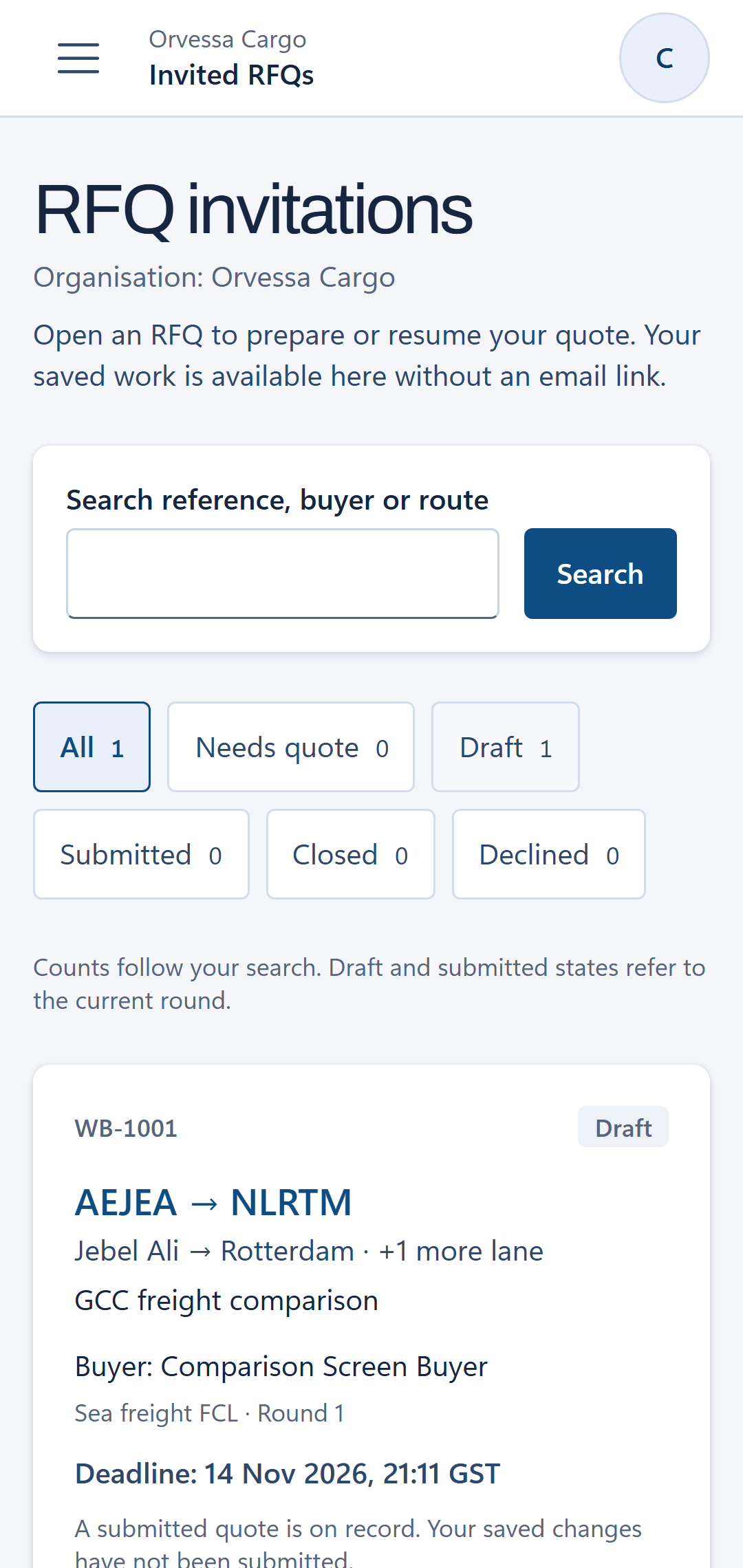
How freight quoting works for forwarders.
Open the invitation.
Use the invitation to reach the RFQ with your own work email. Check the lane, the requested equipment and the buyer’s deadline.
Save a private draft.
Enter your charges and save the draft to continue later. Authorized members of the same supplier team can work on it; the buyer and competing suppliers cannot see it.
Review before submitting.
Check the charge lines and total, then confirm submission before the round closes. Saving a draft alone does not send an offer.
Real workspace example
What does a freight quotation look like?
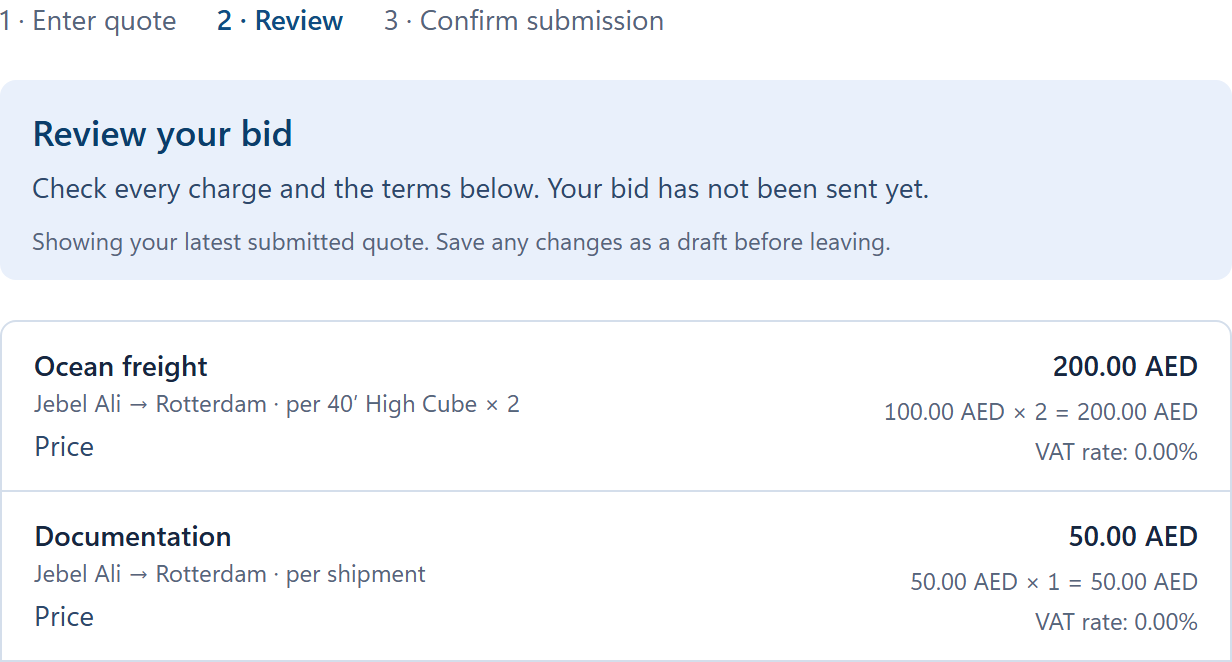
A useful quote prices each requested charge against the same shipment and states the currency and basis. In this Jebel Ali to Rotterdam example, Orvessa Cargo shows:
- Ocean freight 2 × 40HC containers at AED 100 each
- AED 200
- Documentation Per shipment
- AED 50
- Quoted charges shown
- AED 250
That is 2 × AED 100 plus AED 50 = AED 250 for the lines shown. Check other requested charges, exclusions, routing and validity before comparing this with another forwarder’s offer.